
Restaurant Time Tracking Software vs Excel: Which Is Better?
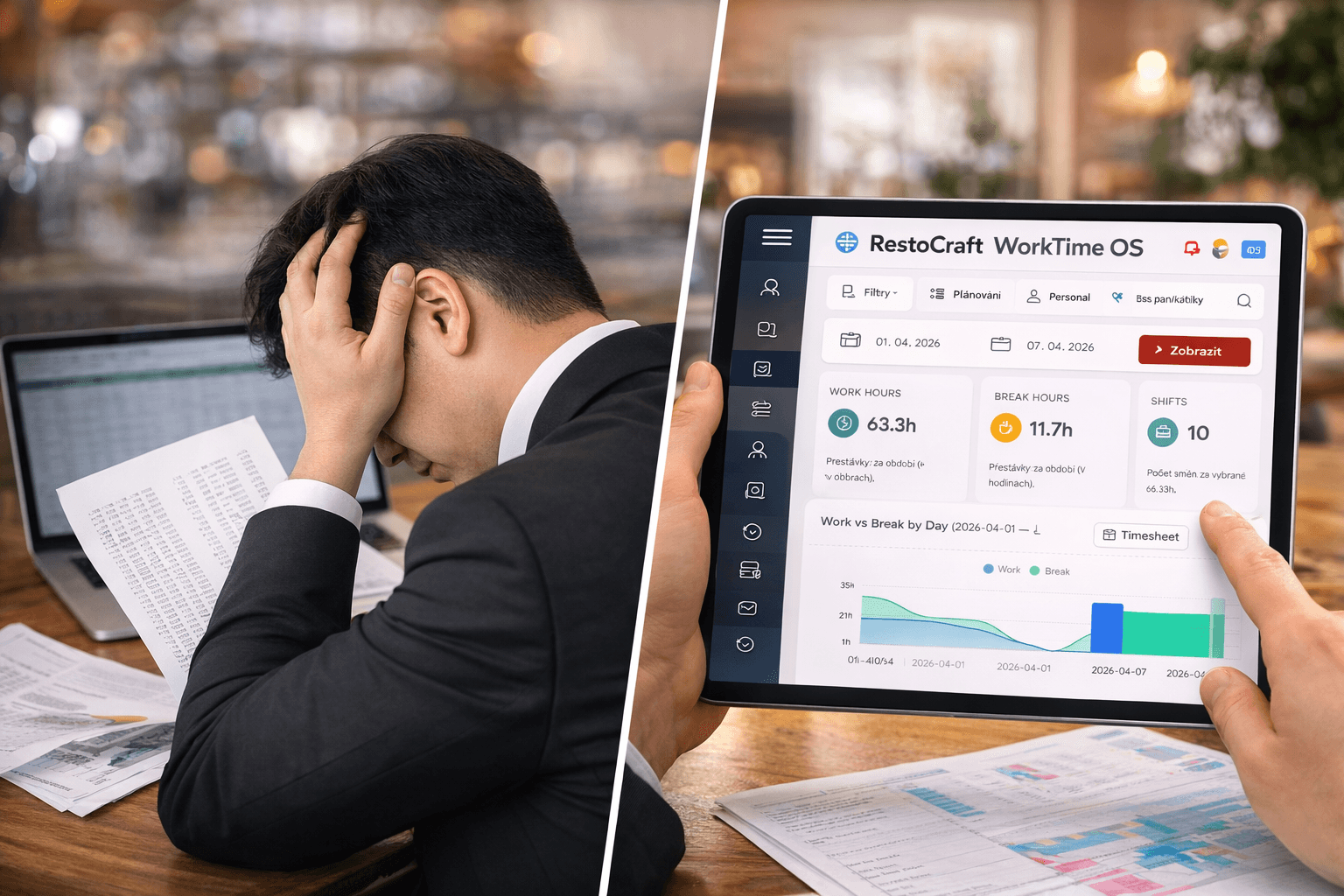
Many restaurants still track employee hours using Excel spreadsheets — or even paper.
At first glance, it seems practical:
- it’s easy to use
- it’s low-cost (or free)
- most managers are familiar with it
But as your restaurant grows, Excel quickly becomes inefficient.
So the real question is:
Should you keep using spreadsheets, or switch to restaurant time tracking software?
Time Tracking Software vs Excel – Quick Comparison
Restaurant time tracking software provides real-time visibility, higher accuracy, and automation, while Excel relies on manual input and is prone to errors.
For most restaurants, switching to digital time tracking leads to better staff management and lower labor costs.
Why Time Tracking Matters in Restaurants
Tracking employee hours in a restaurant is more than just clocking in and out.
It includes:
- shift start and end times
- breaks
- overtime
- schedule changes
- actual employee attendance
Without accurate time tracking, you cannot properly:
- calculate payroll
- manage labor costs
- optimize staffing levels
Using Excel for Employee Time Tracking
Benefits of Excel
Many restaurants start with Excel because:
- it’s accessible and familiar
- no onboarding is required
- it works for very small teams
For a small operation, this may be enough in the short term.
The Real Problems with Excel
As your team grows, Excel starts creating serious issues:
❌ Manual time tracking
- employees enter hours manually
- high risk of mistakes
- data can be edited or manipulated
❌ No real-time visibility
- managers don’t know who is currently working
- updates are delayed
❌ Difficult payroll management
- overtime is hard to track
- calculations are time-consuming
❌ Time-consuming admin work
- editing schedules
- checking spreadsheets
- fixing errors
❌ No labor cost insights
Excel doesn’t show:
- cost per shift
- labor efficiency
- where money is being lost
📊 How Much Restaurants Lose Without Time Tracking Software
Many restaurant owners underestimate the cost of poor time tracking.
Here’s a typical scenario:
| Issue | Impact on Labor Costs |
|---|---|
| Inaccurate time tracking | +5–10% |
| Uncontrolled overtime | +3–8% |
| Inefficient scheduling | +10–15% |
| Manager admin time | dozens of hours/month |
The Bottom Line
Restaurants can lose:
👉 10–25% of labor costs every month
For a team of 10 employees, that can mean:
👉 $1,000–$4,000 per month
What Is Restaurant Time Tracking Software?
Time tracking software is a digital solution that automates employee time and attendance.
Employees can:
- clock in via tablet or device
- track shifts automatically
- log breaks and overtime
Managers get real-time data and full operational visibility.
Benefits of Time Tracking Software
✅ Accurate employee time tracking
- no manual errors
- no backdated edits
✅ Real-time workforce visibility
Managers can instantly see:
- who is working
- who is late
- who is in overtime
✅ Reduced admin workload
- no spreadsheets
- automated calculations
✅ Better labor cost control
Track:
- labor cost per shift
- total hours worked
- inefficiencies
✅ Smarter employee scheduling
Use real data to:
- optimize staffing
- match labor with demand
Excel vs Time Tracking Software: Side-by-Side
| Feature | Excel | Time Tracking Software |
|---|---|---|
| Accuracy | Low | High |
| Real-time data | No | Yes |
| Overtime tracking | Manual | Automated |
| Admin time | High | Low |
| Analytics | None | Advanced |
| Scalability | Limited | Scalable |
When Excel Stops Working for Restaurants
Excel becomes a problem when:
- you have more than 5–7 employees
- schedules change frequently
- overtime increases
- labor costs need control
At this point, spreadsheets slow your business down.
Choosing the Best Time Tracking Software for Restaurants
When evaluating solutions, look for:
- ease of use for staff
- real-time clock-in system
- clear analytics dashboard
- restaurant-specific features
Solutions like RestoCraft WorkTime OS are designed specifically for hospitality — allowing staff to clock in on-site and giving managers instant insights into hours worked, shifts, and labor costs.
Final Thoughts: Excel or Time Tracking Software?
Excel may work at the beginning.
But as your restaurant grows, it becomes:
- inefficient
- inaccurate
- time-consuming
Time tracking software helps you:
- save time
- reduce labor costs
- improve staff management
For most restaurants, switching to a digital system is the smarter long-term move.
FAQ
What is the best way to track employee hours in a restaurant?
The best way is to use restaurant time tracking software that automates clock-ins, tracks shifts in real time, and reduces manual errors.
Is Excel good for time tracking?
Excel can work for small teams, but it lacks automation, real-time updates, and analytics needed for growing restaurants.
How can restaurants reduce labor costs?
By using time tracking and scheduling software to monitor hours, control overtime, and optimize staffing levels.
What software do restaurants use for employee management?
Restaurants use workforce management tools that combine time tracking, scheduling, and analytics — such as RestoCraft WorkTime OS.