Skip to content

RestoCraft Premium QR

The QR code is the entrance. Your digital restaurant starts here.

Guests can explore the menu, find suitable dishes, view photos and videos, call a waiter, open Loyalty or leave feedback.

No app installation.

Try it as a guest

Try on the phone

Online & QR Menu · Guided onboarding

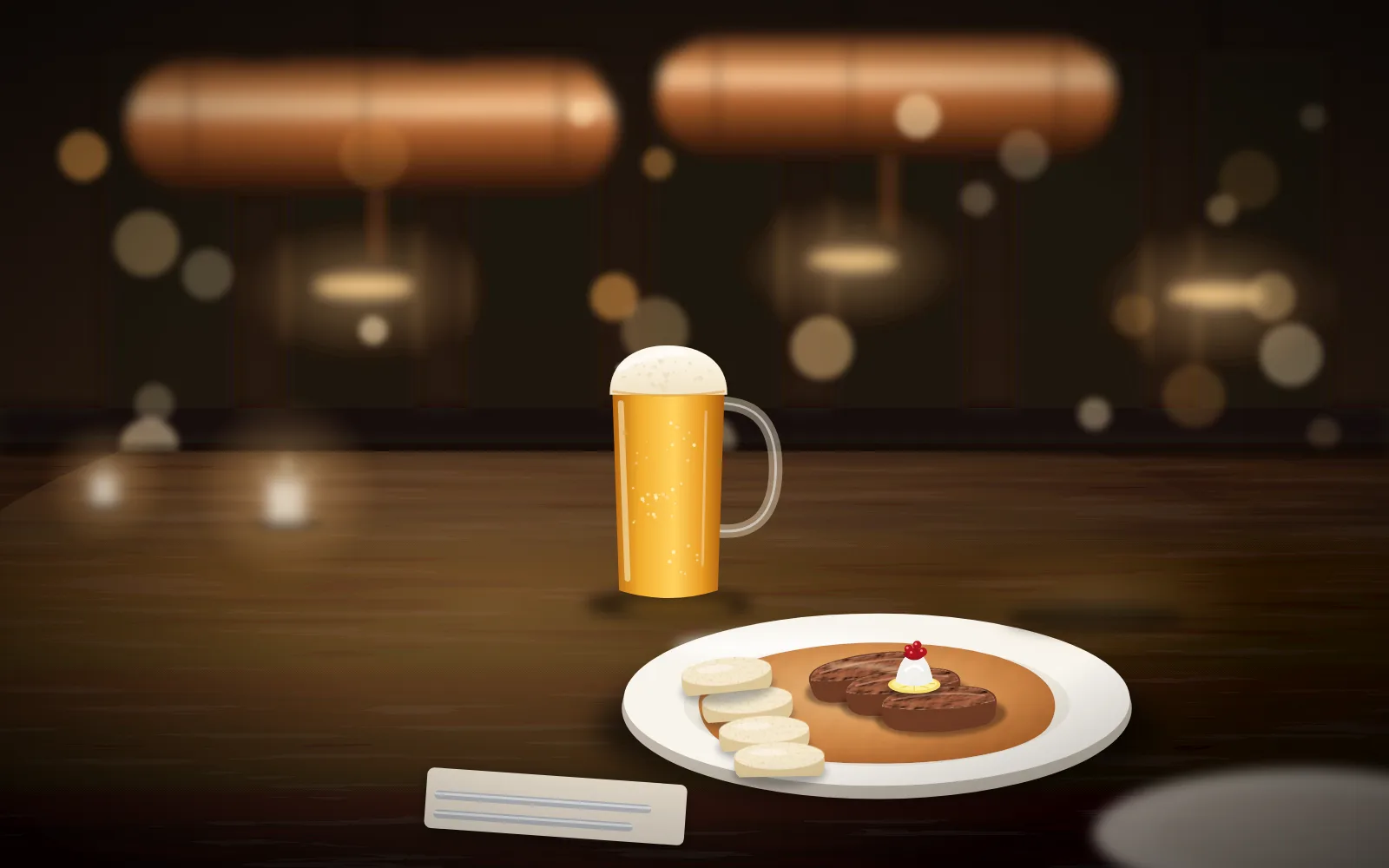
An evening at U Měděného kohouta: beef in cream sauce, draught Pilsner Urquell and a QR stand on table 12.
U Měděného kohouta · KarlínDemo restaurant

19:02

Friday, 2 October

Scan the QR code on the table

Tap the QR code on the table.

Beyond PDF

A menu guests can interact with.

A downloadable PDF can be useful. A mobile menu should also be easy to read without zooming into pages designed for print.

APDF menu

menu_final_2026.pdf8 / 24

  • zoom
  • scroll
  • small text
  • page 8 / 24

BPremium QR

Menu

Traditional Czech cooking in Karlín

Open until 23:00
42 dishes

Food

Honest Czech cooking to go with tank beer

Starters

Soups

Czech classics

From the grill

Salads

Desserts

Beer

Pilsner Urquell poured straight from copper tanks

Soft drinks

Spirits

Wine

Make choosing a dish part of the experience.

The whole restaurant on one phone

One QR code. More than one function.

Guests can use the same QR code for the menu, Loyalty and feedback.

Premium QR connects the digital guest journey. Tap a section to open it on the phone.

Traditional Czech cooking in Karlín

Honest Czech food, tank beer and the atmosphere of a true Pilsner pub.

Tank beer, home-style cooking

In Karlín we pour Pilsner Urquell straight from copper tanks and cook what people here love: svíčková, goulash and schnitzel. Since 2014 neighbours, office teams and guests from all over the world have met at our tables.

Czech cuisine · Tank beer

Dish details

Quick to scan in a list. Rich in detail when opened.

One photo, a name, a short description and a price in the list. Tap to see the rest.

09 · Know before ordering

Keep essential information beside the dish.

Premium QR shows allergens with each dish. Icons appear on the card; the detail view gives their names in the guest's language.

Beef burgerAllergens

  • 1Gluten
  • 3Eggs
  • 7Milk

The restaurant records allergen codes from Annex II of EU Regulation 1169/2011. Guests see localised names and a reminder to check serious allergies with staff.

10 · Dish details

Tap a dish to explore the whole plate.

  • Name and pricein the guest's language and currency
  • Descriptionthe restaurant's own description
  • LabelsChef's choice, unavailable
  • Dietary informationvegetarian, gluten-free…
  • Allergensexpandable list
  • Photos and videoup to 8 media items

On a phone, dish details fill the screen. Back returns guests to their previous position in the menu. On a desktop, Premium QR appears as a centred mobile-width column.

11 · Dish Gallery

One photograph may not tell the whole story.

A dish can have several guest-facing photos. Swipe through them and follow the position counter.

Media limitsPublished dish details can include up to 8 guest-visible media items, with at most one video.

12 · Dish video

Show a dish in motion.

Sauce poured over beef. A fresh pint being drawn. Video appears first in dish details, with controls to pause it or enable sound.

PerformanceThe dish list stays light and quick to load. Videos load when guests open a dish's details, rather than for every dish at once. MP4 videos can be up to 30 seconds long.

Menu

Traditional Czech cooking in Karlín

Open until 23:00
42 dishes

Food

Honest Czech cooking to go with tank beer

Starters

Soups

Czech classics

From the grill

Salads

Desserts

Beer

Pilsner Urquell poured straight from copper tanks

Soft drinks

Spirits

Wine

Brand experience

Your QR menu should look like your restaurant.

14 · Design

The same product. Three different restaurants.

Colours
Heading font
Lora
Body font
Inter
Card corners
10 px
Photos and logo
tank beer, warm wood

RestoCraft provides the technology. The experience belongs to your restaurant.

Premium QR uses the restaurant's five brand colours, heading and body fonts, and card corner style. Navigation stays dark and content stays light.

15 · Home

Premium QR can start with your restaurant's story.

Introduce the place where guests are sitting: a cover photo, slogan, story, gallery, practical information, opening hours, contacts and a route to the menu.

Traditional Czech cooking in Karlín

Honest Czech food, tank beer and the atmosphere of a true Pilsner pub.

Tank beer, home-style cooking

In Karlín we pour Pilsner Urquell straight from copper tanks and cook what people here love: svíčková, goulash and schnitzel. Since 2014 neighbours, office teams and guests from all over the world have met at our tables.

Czech cuisine · Tank beer

Languages

One table. Five guests. Each can read in their own language.

The Premium QR guest interface supports Czech, English, German, Russian and Ukrainian: menus, navigation, filters, allergens, Loyalty, reviews and waiter calls.

Menu

Traditional Czech cooking in Karlín

Open until 23:00
42 dishes

Food

Honest Czech cooking to go with tank beer

Starters

Soups

Czech classics

From the grill

Salads

Desserts

Beer

Pilsner Urquell poured straight from copper tanks

Soft drinks

Spirits

Wine

menu.umedenehokohouta.cz/menu?tableKey=4f1c…&lang=en
  • Switching language keeps guests on the same screen.
  • The table 12 context stays in place, so waiter calls keep working.
  • Dish names and descriptions appear in the languages the restaurant has translated them into.

Languages enabled by the restaurant

Only languages enabled by the restaurant are shown. The browser language provides a suggestion; the restaurant's settings determine what is available.

At the table

A QR code can identify the guest's table.

The same menu as on the website, with one extra detail: Table 12. Service requests use this context without asking the guest to type the table number.

  1. SCAN MENUStůl 12

    QR code on the table

  2. /menu?tableKey=4f1c…

    The link carries a table key, not its number

  3. Verified

    The server verifies the table and restaurant

  4. Table 12

    Staff know where to go

An invalid or old link does not block the menu. Guests can still browse, but cannot send a waiter call for an unverified table.

A conventional menu might end here.

But the guest is still at the restaurant. They may need assistance.

Call a waiter

“How can we help?” Table 12 is already selected.

Guests tap Call a waiter. The restaurant's configured options appear, and the request reaches the staff tablet with the table number.

  1. 1Call staff
  2. 2Bring the bill
  3. 3Card
  4. 4Ask for the bill
  5. 5Staff accept it on the tablet

Guest's phone · table 12

Menu

Traditional Czech cooking in Karlín

Open until 23:00
42 dishes

Food

Honest Czech cooking to go with tank beer

Starters

Soups

Czech classics

From the grill

Salads

Desserts

Beer

Pilsner Urquell poured straight from copper tanks

Soft drinks

Spirits

Wine

Staff tablet

Incoming requests0Live19:42
No active callsNew requests will appear here.
Completed

Table 4Bill · 19:31

Table 9Waiter · 19:24

Tap Call waiter on the guest's phone.

“By card” tells staff how the guest wants to pay. Premium QR requests the bill; it does not process payment. Staff see the preference sent by the guest.

23 · One active request

Guests see the actual request status.

  1. SubmittedGuests can cancel a request while it is new.
  2. AcceptedOnce staff accept it, cancellation is no longer available. The phone makes this clear.
  3. HandledCompleted. The guest can send another request.

A second phone at the same table picks up the existing request instead of creating a duplicate. The open phone refreshes its status automatically.

24 · The restaurant decides

Each restaurant can choose its service flow.

If a restaurant disables bill requests, guests do not see that option. If it only offers waiter calls, that is the only action shown.

What guests can request on the phone

Your changes appear immediately on the example phone above.

Loyalty

The relationship can continue after the bill is paid.

Guests can open their loyalty account in Premium QR. It appears as Club in the bottom navigation.

25 · My account

Welcome back, Anna. 840 points, Gold tier.

The account shows the membership tier, points balance and tiles for My coupons, Stamp cards, My details, Benefits and Points history.

Sign in with Google or a secure email link, without a password, when the guest opens Club.

26 · Coupons

Guests choose the coupon they want to use.

For eligible coupons, guests tap Use when paying. The coupon stays active for two hours and applies automatically when staff scan the loyalty card. Only one coupon is active at a time.

27 · Stamp cards

Four stamps out of six. A complimentary dessert is close.

Guests see their collected stamps, how many they still need and the reward ahead.

28 · Privileges

Member benefits in one place.

  • VIP discount15% discountAvailable
  • Free dessertDessert · complimentary1 use left
  • Priority bookingWe hold your table even on a Friday nightAvailable

29 · Digital loyalty card

A loyalty card on the phone and in Wallet.

The card shows its QR code, balance, tier and programme. Guests show it to staff when paying and can add it to Google Wallet or Apple Wallet.

30 · Dynamic loyalty QR

A QR code that refreshes itself.

The code refreshes in40s

With secure presentation enabled, the web loyalty card can use a short-lived code that refreshes regularly. The permanent card number is hidden in this mode.

This feature requires dynamic presentation to be enabled and supported by the connected POS.

31 · Realtime Loyalty

Points update while the guest has the card open.

Till · table 12CZK 1,500

840990points, without reloading the page

Loyalty programme

Honest Czech food, tank beer and the atmosphere of a true Pilsner pub.

My account

Welcome back, Anna

Kohoutí klub

LevelGold Balance840points

Sign out

Reviews

Ask while the experience is still fresh.

Guests leave feedback at the table from the phone showing their menu. The restaurant sees it in ReviewHub and controls publication on its website.

★ 4.6 and reviews published by the restaurant.

The Reviews screen shows the average rating, rating count and published reviews. Write a review opens a form for stars, a comment and optional name and email.

Guest reviews

Your impressions matter to us

4.6128 reviews

Guest reviews

Newest first

Tomáš9/21/2026

Nejlepší tankové pivo v Karlíně a svíčková jako od babičky. Obsluha přišla během minuty.

Lena9/14/2026

Sehr gemütlich. Die Speisekarte gibt es sogar auf Deutsch, mit allen Allergenen.

ReviewHubU Měděného kohouta

OverviewReviewsGuest feedbackOperational issues

Guest feedback Needs attention0

No new feedback.

Reviews awaiting a decision

★★★★★Anna · today

„Skvělá obsluha a výborné jídlo.“

Not publishedOn the website

One guest. One visit.

Lena is at table 12. She does not speak Czech.

Friday evening in Karlín. Lena is visiting U Měděného kohouta for the second time and wants to read the menu in German.

  1. Lena takes a seat.

    There is a QR code on the table. She can open the menu herself.

  2. She scans the QR code. The menu opens in German.

    The phone suggests her browser language, and Lena taps Auf Deutsch fortfahren.

  3. For me → avoid gluten.

    In Für mich, she selects Gluten among the allergens to avoid. The menu narrows.

  4. She opens a dish's details.

    She looks through the photos, plays the video and chooses a chicken steak.

  5. She needs a waiter.

    Rechnung bringen · Mit Karte. The staff tablet shows table 12, a bill request and card payment preference.

  6. Staff accept her request.

    Lena can see it has been received without waving across the room.

  7. She opens Loyalty.

    She sees her points and a coupon for her next visit.

  8. She leaves feedback.

    Five stars, a few words, sent. The restaurant can read it that evening.

19:02

Friday, 2 October

Scan the QR code on the table

One scan. The whole digital guest journey at the table.

Restaurant side

Everything guests see on their phone is managed by the restaurant.

Categories, dishes, photos, video, translations, preview and publication share one workspace: Menu Editor in RestoCraft administration.

One place for the whole menu.

Categories sit on the left, dishes in the centre and the selected dish on the right, with Editor, Translations and Guest preview tabs. Publication controls are in the header and POS connections under Integrations.

RestoCraft AdminMenuMenu Editor

Restaurant menu

Menu Editor

Manage categories, dishes, translations and publication in one workspace.

Translate with AIAuto publishPublishedPreview

42Dishes

11Categories

41Visible

0Quality issues

Categories

Food

Starters

Soups

Czech classics

From the grill

Salads

Desserts

Beer

Soft drinks

Spirits

Wine

Czech classics 7

SvíčkováCZK 249

Goulash with dumplingsCZK 229

SchnitzelCZK 269

Fried cheeseCZK 199

Fried mushroomsCZK 189

Roast pork, dumplings, cabbageCZK 239

Roast duckCZK 329

EditorTranslationsGuest preview

Basic information

Dish nameSvíčková

Short descriptionBeef sirloin in cream sauce, bread dumplings, cranberries

Price249

CurrencyCZK

CategoryCzech classics

Enabled / visible

Food information

VegetarianVeganGluten-freeDairy-free

Allergens

1 Gluten3 Eggs7 Milk9 Celery10 Mustard

AvailabilityAvailability rules: Set when this dish is available in Schedule.

Media Dish photos

PrimaryShown to guests
Shown to guestsMake primary · Move left · Hide from gallery
Hidden old photoShow to guests

Add photosJPG, PNG or WebP, up to 5 MB each. Maximum 8 photos.

VideoShown to guests · MP4 (H.264), up to 30 MiB and 30 seconds.Replace video · Delete video

Menu settings · Publishing

Storyous sync Synced

TextStoryous
VisibilityStoryous
PriceStoryous
CategoriesStoryous
Photos and videoRestoCraft
TranslationsRestoCraft

Price is managed by Storyous and may change on synchronization.

Protect current textDo not sync this dish

Delete dishSave changes

What guests see right now

Menu

Traditional Czech cooking in Karlín

Open until 23:00
7 dishes

Czech classics

Live menu · the version from the last publication

Connected menu

One menu dataset. Several digital channels.

Premium QR, RestoCraft Sites and an integrated custom restaurant website read the same published menu. The menu is a shared part of your restaurant's digital operations.

Published RestoCraft menuSvíčková · CZK 249

Premium QR

The menu at the table, with service, Loyalty and reviews.

RestoCraft Sites website

The Menu page on a RestoCraft restaurant website.

Custom website · WordPress

The website integration reads the published menu through external-menu.v1.

WordPress

Keep your WordPress website and connect a shared menu.

A custom restaurant website can read the current published RestoCraft menu through a secure, read-only connection and display it in its own design. Drafts remain private.

www.umedenehokohouta.cz/

HomeMenuEventsContact

Tank Pilsner and Czech cooking in Karlín

The website runs on WordPress. The menu comes from RestoCraft.

Menu

Czech classics

SvíčkováCZK 249

Goulash with dumplingsCZK 229

SchnitzelCZK 269

Beer

Pilsner Urquell 0.5 lCZK 69

The current published menu from RestoCraft

Your brand

Keep your brand behind the QR code.

Premium QR can run on the restaurant's activated domain or subdomain, according to the website configuration. Guests stay within your brand's experience.

menu.yourrestaurant.com

  1. Pending DNS
  2. Ownership verified
  3. Certificate pending
  4. Active

CNAMEmenu → RestoCraft · TXT_restocraft.menu = rc-domain=…

The restaurant adds two DNS records. After verification, the remaining setup includes the HTTPS certificate.

Performance

More media does not mean loading everything at once.

Premium QR separates fast list cards from detailed media. The list uses one main photo; the detail view contains the gallery and video.

Dish list

  • Svíčková · 1 photo
  • Beef burger · 1 photo
  • Kulajda · 1 photo
  • … and more cards, lazily as the guest scrolls

Beef dish details

  • Video · the active slide only
  • Photo 2
  • Photo 3

Additional media waits until the guest opens the details.

The list loads each dish's main image. Additional gallery photos and dish videos load when their detail view is opened.

No app installation required

Guests can use their phone's browser.

  1. Scan.The phone camera reads the QR code.
  2. Open.The restaurant website opens and the menu is immediately available.
  3. Use.Menu, service, reviews and gallery work without an account or password.

Features that need an identity, such as the loyalty account, ask guests to sign in securely when opened, using Google or an email link.

Restaurant OS

One product. Seven connected services.

Premium QR is the guest interface. Dedicated RestoCraft services provide its data and processes, each with a clear responsibility.

Premium QRat the guest's table

Choose a service to see what it brings to Premium QR.

Comparison

Premium QR continues through the guest's visit.

The same QR stand. A different guest experience.

A basic QR menu

  1. Scan
  2. PDF or list
  3. Close

RestoCraft Premium QR

  1. Scan
  2. Restaurant
  3. Menu
  4. Find a dish that suits me
  5. Dish details
  6. Photos and video
  7. Table service
  8. Loyalty
  9. Reviews
  10. Next visit

RestoCraft Premium QR

Let your QR code open your restaurant.

  • Menu
  • Photos
  • Video
  • Filters
  • Service
  • Loyalty
  • Reviews
  • Gallery

One digital experience at the table.

No app installation · Mobile-first · Multilingual · Restaurant OS

Premium QR for your restaurant

See your own menu in Premium QR.

Send us a few details. We will show your menu in Premium QR and discuss table service, Loyalty, reviews and languages.

What would you like to offer at the table?
Continue to your enquiry

Your choices will be added to the contact form. Add your contact details and send your enquiry there.

Online & QR Menu

Update guest-facing menu information faster and support clearer digital choices.

Rollout
Guided onboarding
Pricing
Subscription
This product is introduced with hands-on implementation support.